| Easy-to-use "Send to Myself" and "Personal Folder" Function |
| |
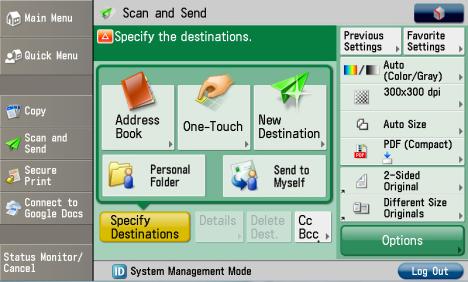
| "Send to Myself" and "Personal Folder" on the user interface allow user to send, store and access documents easily. |
| |
|
| |
| |
| High Compression PDF |
| |
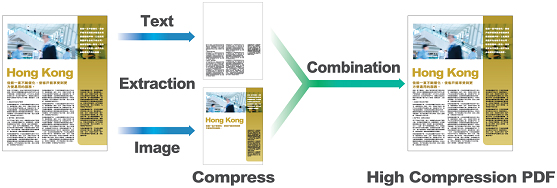
Canon's High Compression PDF function can compress PDF file size to 1/10 of its original for network burden reduction and faster Send and Store operations. |
| |
|
| |
| |
| Searchable PDF |
| |
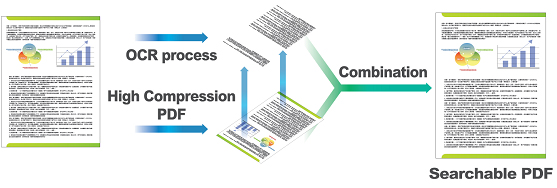
| Canon OCR technology enables user to search desired contents by simply entering key words. |
| |
|
| |
| |
| Editable Adobe Reader Extension PDF |
| |
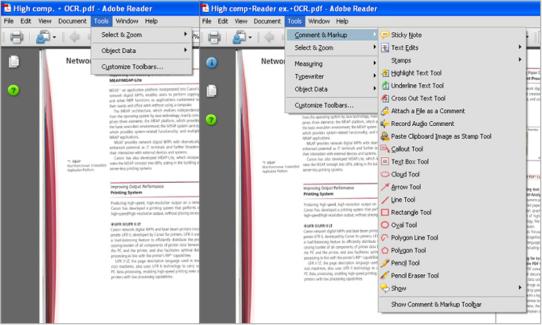
Reader Extension PDF enables handy functions including View, Sign and Comment on scanned documents in the free version of Adobe Reader. |
| |
|
| |
| |
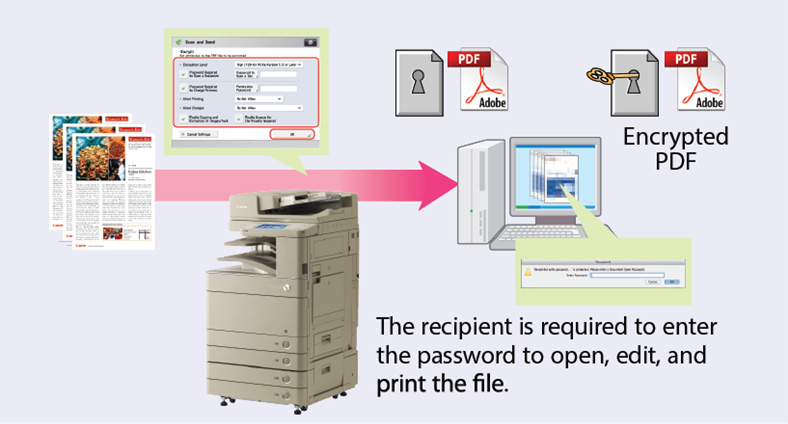
| Encrypted PDF |
| |
| User can set password when scanning so that unauthorized parties cannot open the file, enhancing document security. |
| |
|
| |
| |
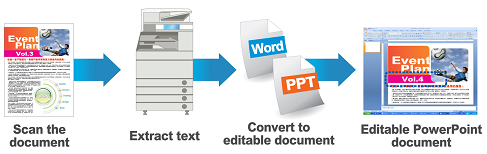
| Convert Paper-format Documents to PowerPoint |
| |
When scanning documents, OCR technology can convert paper-format documents to PowerPoint and Word file. User can extract the text in both the scanned document of PowerPoint & Word file. |
| |
|
| |
| |
Send
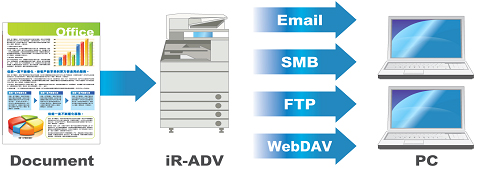
Send to Multiple Destinations at Once |
| |
In just one step, user can send a document to one or up to 256 destinations, including email, fax, Internet fax and folder. |
| |
|
| |
| |
Store
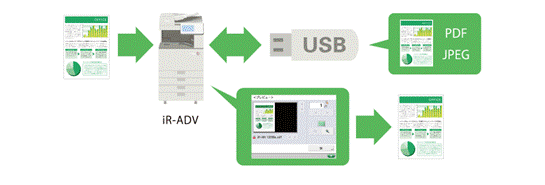
Scan to USB Memory |
| |
User can scan documents directly to and print documents directly from USB memory. User can also export documents from SD cards, memory sticks and CompactFlash, etc. |
| |
|